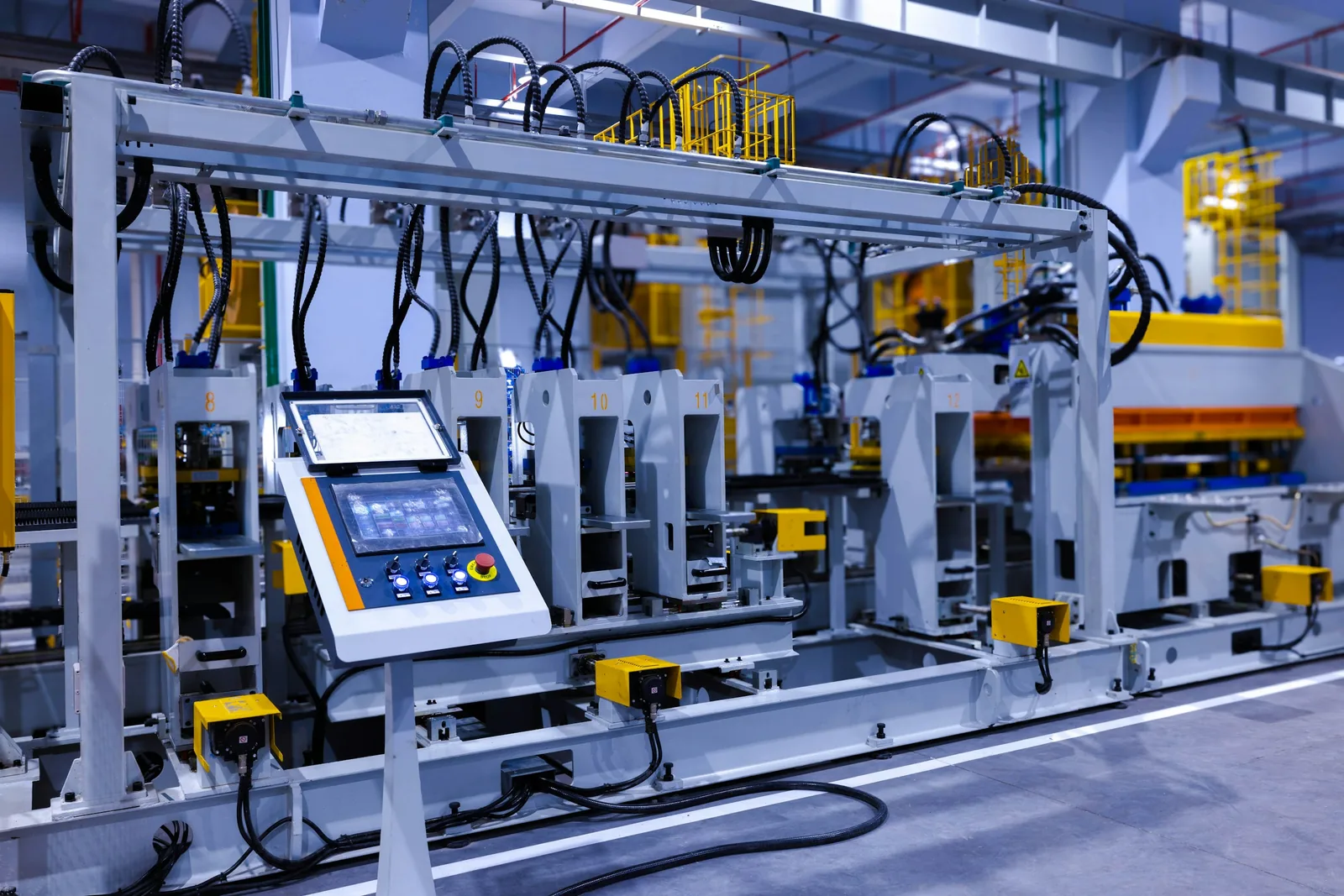
An AI agent in a factory is a large language model that can read plant data, reason about it and take a limited set of actions through tools. The architecture is the same as for a smart home agent. The environment is not. A plant has control loops that run in milliseconds, safety systems that must never be bypassed, decades-old protocols, and an operations team that has seen many technologies promise to fix everything.
The useful framing is that an agent is a new kind of operator assistant, not a new kind of controller. Control stays in the PLC and the DCS. Supervision stays in SCADA. The agent sits above them, next to the people, doing the slow, text-heavy, cross-system work that people do between the real-time layers: summarizing, searching, correlating, drafting.
This guide covers where an agent gets its data, how it is structured, the jobs it does well, the guardrails that separate it from the control layer, the case for running it on premises, and how to evaluate one.
Where the data comes from
A factory agent is only as good as its access to context, and most of the work in a deployment is plumbing.
OPC UA is the primary source. Beyond carrying values, OPC UA exposes an information model: nodes with types, units, descriptions and relationships, organized in an address space that a client can browse. Companion specifications standardize that model for machine tools, robots, injection molding machines and other equipment. For an agent this is the difference between seeing “tag 4711 = 73.2” and seeing “Spindle 1 bearing temperature, degrees Celsius, part of Machining Center 3”. The agent’s tools can browse the address space, read values and subscribe to changes, presenting the structure as a tree the LLM can reason about.
MQTT with Sparkplug is the second source, common in plants with a unified namespace. Sparkplug adds a defined topic structure, birth and death certificates for devices, and a binary payload with metrics and metadata, so the agent, like any subscriber, can discover what exists without a configuration file.
Historians and time-series databases hold the past: the agent queries them to answer “what did this look like last Tuesday”. The MES holds orders, batches and quality results; the maintenance system holds work orders and asset histories; the document store holds manuals and procedures. An agent that sees only live values is a worse assistant than an operator with a logbook.
How the agent is structured
A factory agent should be read-mostly by design. Its tool set divides into three groups with very different risk.
Read tools: browse the asset model, read values, query history, search documents, fetch open work orders. These are safe to grant broadly, within the plant’s data access rules.
Propose tools: draft a work order or shift report, suggest a setpoint change, flag an anomaly for review. The output goes to a person who approves or discards it. This is where most of the value lives.
Act tools: write a setpoint, acknowledge an alarm, start a job. These should be few, bounded, audited and, in most plants, absent from the first deployment.
Context is the other half of the structure. A retrieval step gives the model the relevant slice of the asset model, the current alarms, the recent history and any relevant procedure text. Loading the entire plant into the prompt does not work; the agent needs tools that fetch the right subset on demand.
Jobs an agent does well
Shift handover summaries: read the alarm log, downtime events, production counts and maintenance actions from the last shift, and write the summary the outgoing supervisor would otherwise write by hand.
Root-cause triage: when a line stops, pull the alarms in the minutes before, the recent setpoint changes, the state of neighboring equipment and the relevant manual pages, and present a ranked list of likely causes with evidence. The person still decides, but starts from one page of organized facts instead of six screens.
Maintenance work orders: take an alert from a predictive maintenance system, look up the asset, its history and the spare parts, and draft the work order with the right procedure attached.
Operator questions: “what is the tolerance on this part”, “when was this valve last serviced”, “which machines are idle right now”. These are retrieval questions across systems that have never shared a search box.
Event handling: a vision system that raises “pallet in walkway” produces an event; the agent can add context and route it to the right person.
Guardrails
The guardrails for a factory agent are stricter than for a home, and most are enforced in architecture rather than in prompts.
Separate the agent from control. The agent runs in the IT or DMZ zone, not in the control network. IEC 62443 zones and conduits give the vocabulary: the agent reads through a conduit, often a read-only OPC UA aggregation server or an MQTT broker fed from the control zone, and has no path to write into a PLC. Network segmentation makes this physical rather than policy.
Keep safety deterministic. Safety instrumented systems, interlocks and emergency stops are not tools. An agent must not be able to reach them, and nothing it produces should be a precondition for them to work.
Bound any write. If a setpoint write tool exists at all, it accepts only tags on an allowlist, only within a configured range, only with rate limits, and only after a human approval step recorded with the person’s identity. The limits live in the tool code, and the PLC keeps its own limits underneath.
Audit everything. Every tool call, its arguments, the model’s stated reasoning and the person who approved any action are logged to a store the agent cannot modify. This is what makes incident review possible.
Treat inputs as untrusted. Manuals, tickets and free-text fields can contain instructions. The agent should never act because a document told it to; tool outputs are data, not commands.
Design for wrong answers. The model will be confidently wrong on some fraction of questions. Every output should show its evidence so a person can check it in seconds, and “discard” should be as easy as “approve”.
Running it on premises
Production data is commercially sensitive, some sites are air-gapped, and a dependency on an external API is a new availability risk for a plant that runs around the clock. A locally hosted model on an on-premises GPU server answers these concerns, at the cost of weaker reasoning than the largest cloud models and of operating the hardware. A middle path uses a local model for routine retrieval and summarization and routes a minority of hard questions to a cloud model with sensitive fields removed. Data sovereignty rules may decide this before anyone weighs the trade-off.
Evaluation and rollout
Evaluate the agent as you would a new hire. Build a set of real questions with known answers from plant history and score the agent before deployment and after every model or prompt change. Measure retrieval quality separately from reasoning quality, since most failures are missing context rather than bad logic.
Roll out in stages: read-only question answering to a small group, then proposals with approval, then, only if the plant wants them, bounded actions. Feed the reviewers’ corrections back into the retrieval setup and prompts. The industrial IoT guide describes the plant data architecture that all of this depends on.
Where to go next
- AI agents for the smart home covers the same agent architecture in a lower-stakes setting.
- Predictive maintenance with IoT and AI produces the alerts an agent turns into work orders.
- Industrial IoT: a practical guide covers the data layer, from PLCs to the cloud.
- IoT security fundamentals is the background for the segmentation and audit requirements.
Topics: AI agents, OPC UA, industrial IoT, LLM, guardrails